MONOMOON Controls
MONOMOON combines platforming and point-and-click interaction. The developer identifies keyboard and mouse as the intended mix and confirms controller support with a caveat. This Australian English edition uses the same first-party evidence checked on 12 November 2026. Store details may differ by region.
Keyboard and mouse
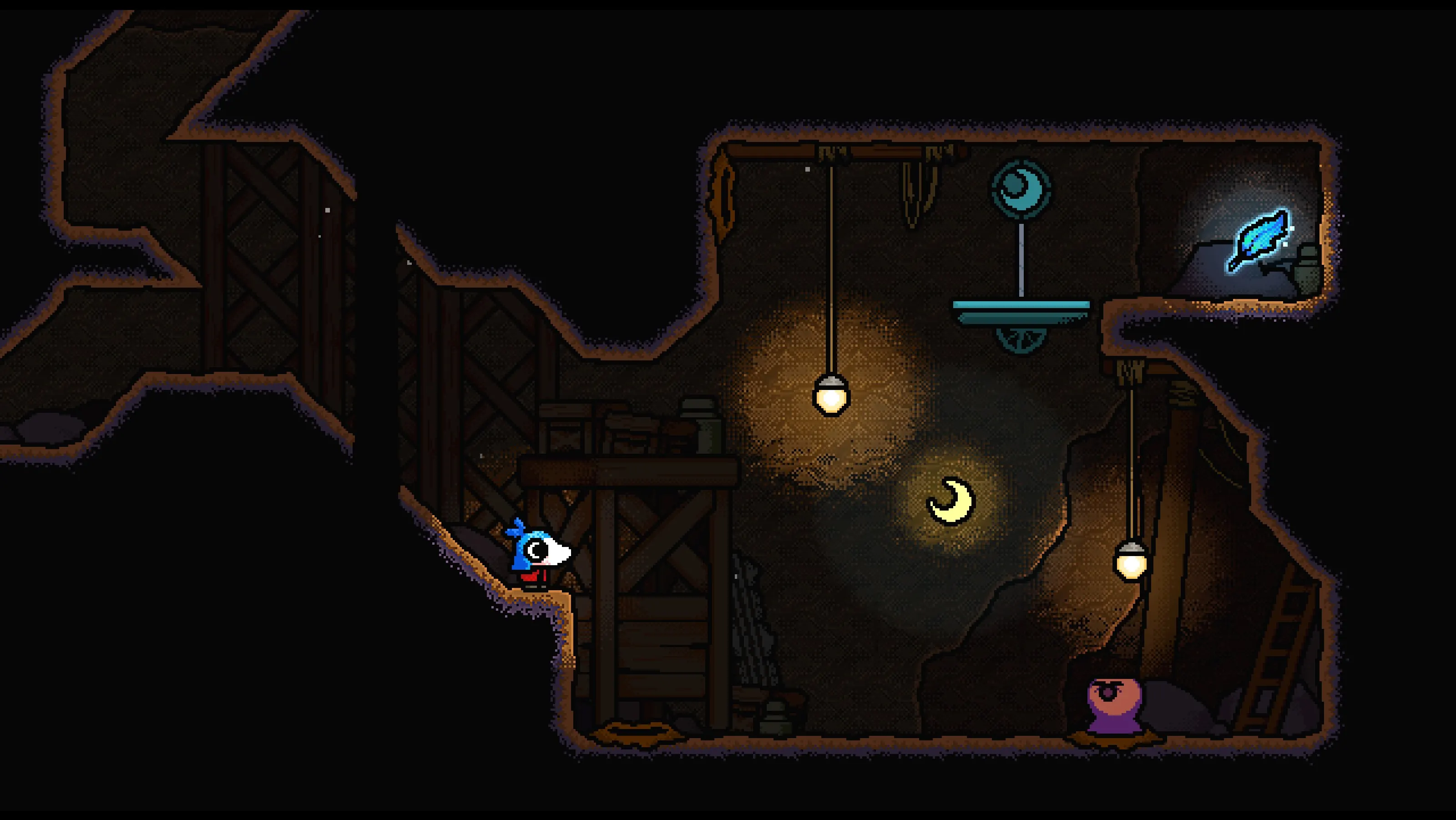
The official press kit and Steam description both describe a control scheme that mixes keyboard and mouse. It is designed to support platforming and pointing at parts of the world. The public descriptions do not provide a complete key-by-key map, so check the in-game settings for the current binding list.
Controller support and the developer caveat
Steam lists full controller support and shows Xbox and PlayStation controller compatibility. Gentle Giant also says controllers are supported, while recommending keyboard and mouse for the optimal experience. “Supported” is therefore a compatibility claim, not a guarantee that every pointer-heavy interaction feels the same on a pad. No official button mapping or device-specific performance test was available in the sources checked on 12 November 2026. If you use a controller, consult the game’s current settings rather than relying on a third-party mapping.
Accessibility information listed by Steam
The Steam listing exposes custom volume controls, narrated game menus, and play without quick-time events as accessibility features. Store listings can change, so verify these features on Steam before making a purchase decision.
Quick answers
Can I play MONOMOON with a controller?+
Yes. Steam lists full controller support, while Gentle Giant says keyboard and mouse are preferable for the intended experience.
What are the exact keys?+
The public sources checked here do not provide a verified full key map. Consult the current in-game settings.
MONOMOON: S01, S02 · 2026-11-12.
View source ledger →